 admin
admin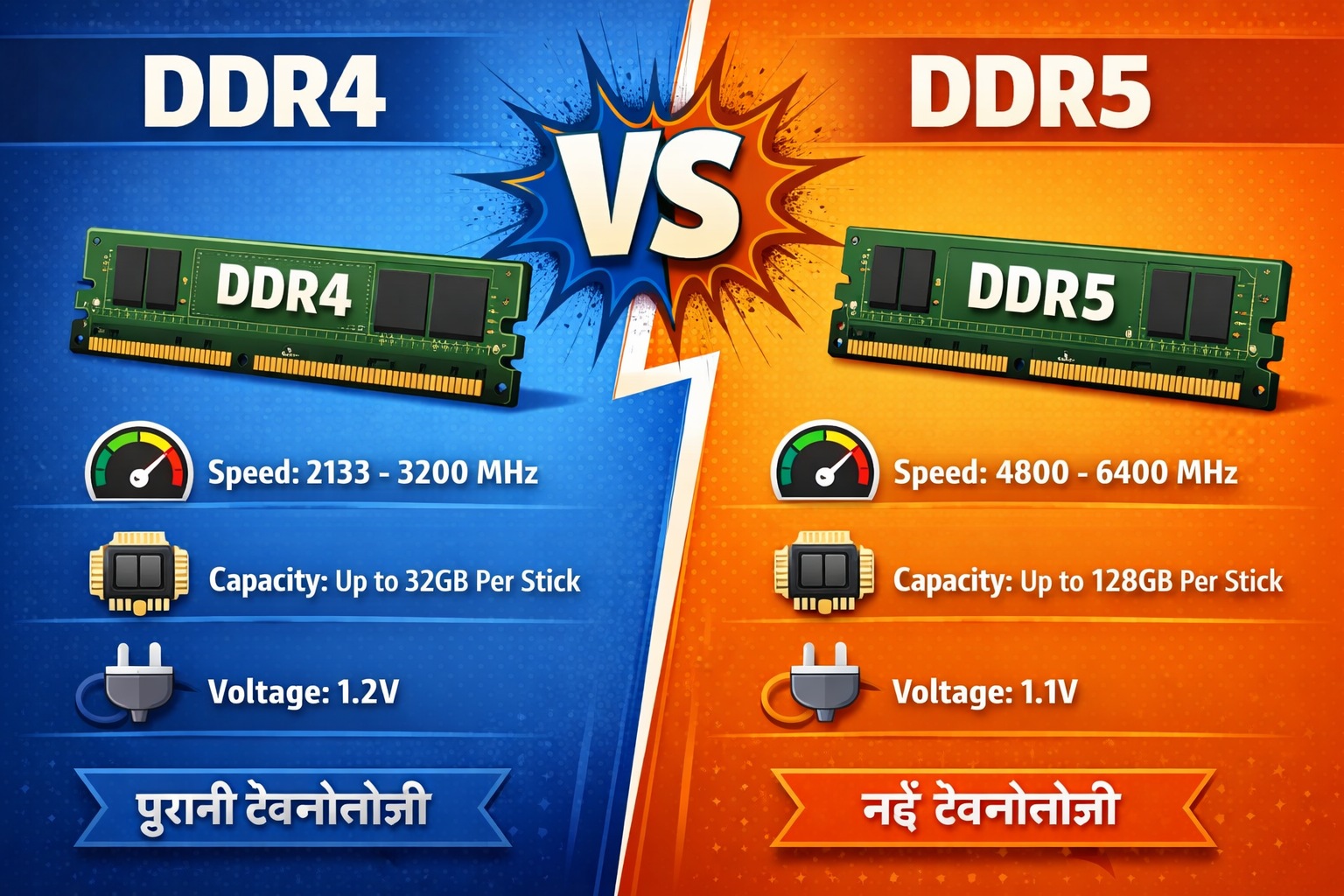
Aap naya PC build kar rahe ho ya apna purana system upgrade karna chahte ho — aur ek sawaal baar baar aata hai: DDR4 loon ya DDR5? Bahut saare log confuse ho jaate hain because prices change hoti rehti hain, aur dono ke baare mein internet pe alag alag opinions milti hain. Is article mein hum bilkul seedha, simple language mein batayenge — DDR4 vs DDR5 RAM ka honest comparison, bina kisi bakwaas ke.
RAM Kya Hota Hai? (Ek Chhoti Si Background)
RAM yaani Random Access Memory — yahi woh jagah hai jahan aapka computer abhi chal rahe saare kaam rakhta hai. Jab aap Chrome mein 20 tabs kholo, video edit karo, ya game khelo — sab kuch RAM mein hi hota hai temporarily.
Jitna zyada aur jitna fast RAM, utna hi smooth experience milta hai. Aur yahi se DDR4 aur DDR5 ka comparison relevant ho jaata hai.
DDR4 vs DDR5 RAM: Basics Samjho Pehle
DDR4 Kya Hai?
DDR4 (Double Data Rate 4) 2014 mein launch hua tha aur kaafi lambe time tak market ka king raha. Aaj bhi DDR4 vs DDR5 RAM comparison mein DDR4 ek strong position hold karta hai, kyunki yeh Intel ke older platforms (Z490, B560) aur AMD ke older Ryzen systems mein widely use hota hai. 2026 mein bhi yeh RAM easily available hai aur iska price kaafi affordable ho chuka hai.
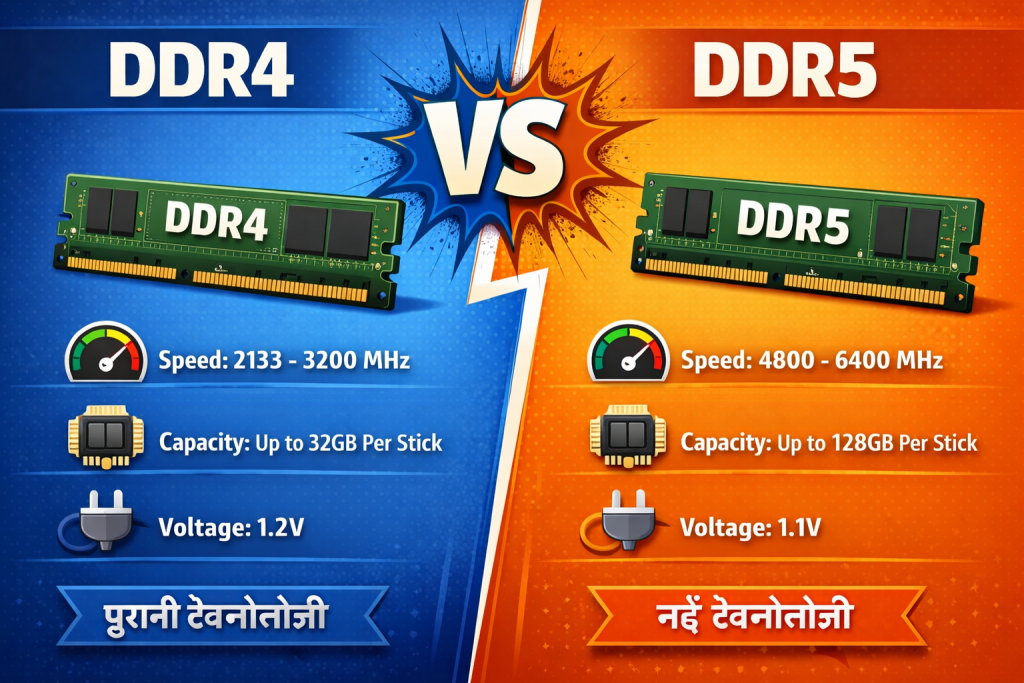
- Speed range: 2133 MHz se 4800 MHz tak
- Voltage: typically 1.2V
- Mature technology — stable aur reliable
- Budget builds ke liye abhi bhi best choice
DDR5 Kya Hai?
DDR5 2021 mein introduce hua aur Intel 12th Gen (Alder Lake) ke saath officially support start hua. Aaj ke time mein DDR4 vs DDR5 RAM comparison mein DDR5 future-focused option mana jaata hai, kyunki 2026 tak yeh kaafi mature ho chuka hai aur prices bhi gradually kam ho gaye hain.
- Speed range: 4800 MHz se 8000+ MHz tak
- Voltage: 1.1V (slightly lower)
- On-die ECC support (better error correction)
- Higher bandwidth — especially creative aur AI workloads ke liye
DDR4 vs DDR5: Full Comparison Table
| Feature | DDR4 | DDR5 |
|---|---|---|
| Launch Year | 2014 | 2021 |
| Base Speed | 2133 MHz | 4800 MHz |
| Max Speed | ~4800 MHz (OC) | 8000+ MHz (OC) |
| Bandwidth | ~25 GB/s | ~51 GB/s |
| Voltage | 1.2V | 1.1V |
| Latency (CAS) | Lower (CL16–CL18) | Higher (CL36–CL40) |
| Price (16GB) | Sasta (~₹2,500–₹3,500) | Thoda mehnga (~₹3,500–₹5,500) |
| Platform Support | Intel 10th–12th Gen, AMD Ryzen 3000–5000 | Intel 12th Gen+, AMD Ryzen 7000+ |
| Gaming Performance | Zyada farak nahi practically | Marginal improvement |
| Content Creation / AI | OK for basics | Noticeably better |
| Future-Proofing | Limited | Better |
| Availability (India) | Bahut widely available | Kaafi available ho gaya hai |
Gaming Ke Liye DDR4 vs DDR5: Sach Kya Hai?
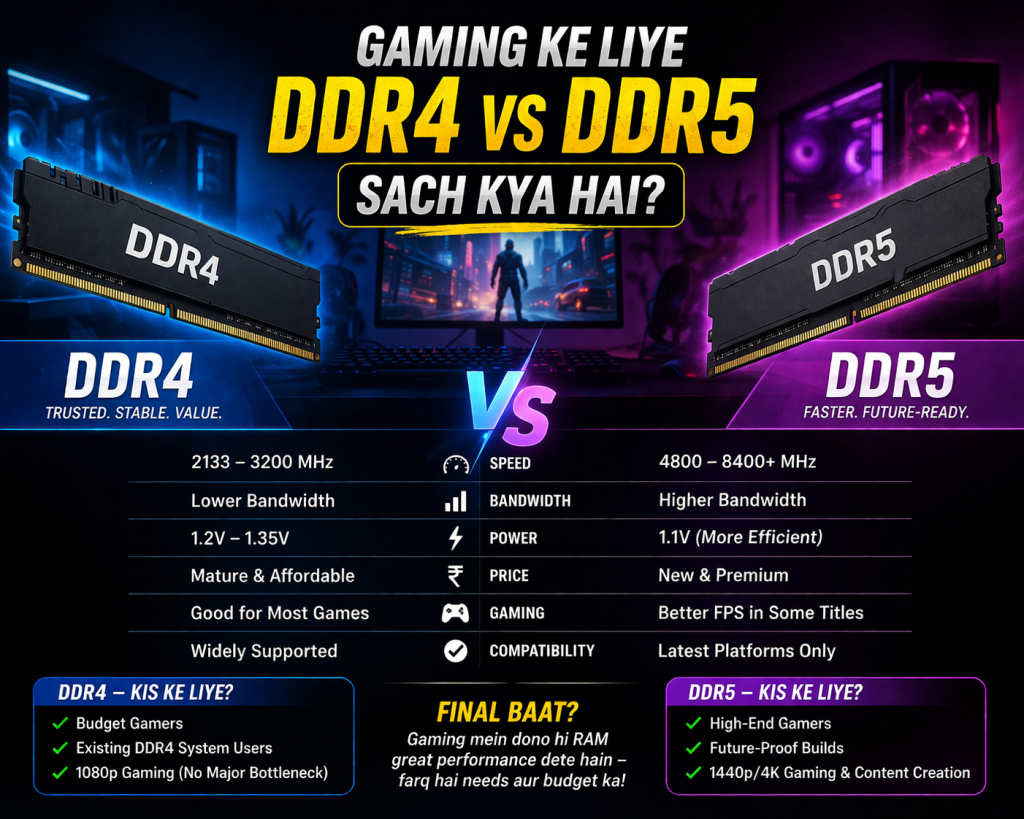
Agar aap sirf gaming ke liye soch rahe ho, toh seedha baat: DDR4 vs DDR5 RAM ka real-world gaming mein difference bahut zyada nahi hota. Example ke liye — ek Ryzen 9 7900X system mein DDR5-6000 aur DDR4-3600 ke beech frame rate difference usually 5–8% se zyada nahi hota. Yeh difference aap screen pe practically feel nahi kar paoge jab GPU hi bottleneck ho, isliye DDR4 vs DDR5 RAM ka gaming impact utna noticeable nahi hota jitna log expect karte hain.
Pro Tip
Agar aapka budget tight hai, toh DDR4 mein acha GPU lena zyada samajhdaari hai compared to DDR5 mein invest karna. GPU upgrade > RAM upgrade for gaming — yeh rule almost har case mein apply hota hai jab baat DDR4 vs DDR5 RAM ki hoti hai.
Haan, lekin agar aap CPU-intensive games khelte ho jaise Cities: Skylines 2, Microsoft Flight Simulator, ya competitive shooters jahan CPU speed zyada matter karta hai — wahan DDR5 thodi help karta hai.
Content Creation, Video Editing, aur AI Workloads
Yahan DDR5 apna asli rang dikhata hai. Agar aap 4K video editing karte ho (DaVinci Resolve, Premiere Pro), 3D rendering (Blender), ya AI/ML kaam karte ho — DDR5 ki high bandwidth clearly better results deti hai.
- Large file transfers aur RAM-heavy software mein speed difference noticeable hota hai
- Blender renders mein 10–15% tak improvement dekha gaya hai DDR5 mein
- AI inference tasks (local LLMs run karna etc.) mein DDR5 kaafi edge deta hai
So agar aap ek creator ya developer ho jo heavy workloads chalata hai — DDR5 mein invest karna future-proof decision hai.
Platform Compatibility: Sabse Zaroori Baat
Yeh point bahut important hai aur bahut log yahan galti karte hain. Aapka motherboard decide karta hai ki DDR4 chalega ya DDR5. Dono ek doosre ke saath compatible nahi hain.
| Platform | DDR4 Support | DDR5 Support |
|---|---|---|
| Intel 10th / 11th Gen (B460/Z490) | Haan | Nahi |
| Intel 12th Gen (B660/Z690) | Haan (kuch boards) | Haan (kuch boards) |
| Intel 13th / 14th Gen (B760/Z790) | Haan (DDR4 boards) | Haan (DDR5 boards) |
| Intel Arrow Lake (Core Ultra 200) | Nahi | Haan |
| AMD Ryzen 5000 (B550/X570) | Haan | Nahi |
| AMD Ryzen 7000+ (AM5) | Nahi | Haan |
Matlab agar aapke paas AM5 motherboard hai, toh sirf DDR5 chalega. Aur B550 hai toh sirf DDR4. Simple rule: Pehle motherboard dekho, phir RAM socho.
Price vs Performance: 2026 Mein Kya Sahi Hai?
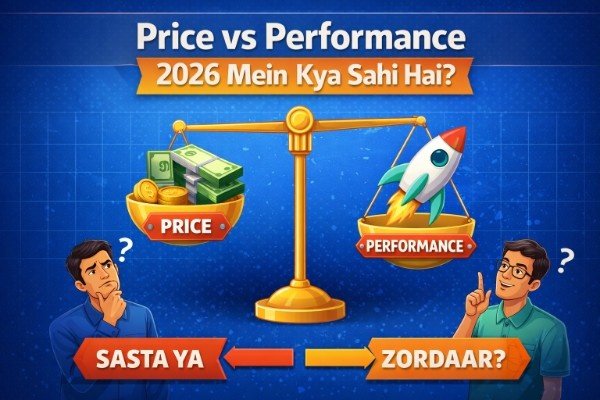
2026 mein DDR5 prices kaafi gir gaye hain. Abhi India mein:
- DDR4 16GB (3200MHz): ₹2,500 – ₹3,200
- DDR5 16GB (5600MHz): ₹3,500 – ₹4,500
- DDR5 32GB (5600MHz): ₹6,500 – ₹8,500
- DDR4 32GB (3200MHz): ₹5,000 – ₹6,500
Price gap ab itna zyada nahi raha. Agar aap naya system build kar rahe ho 12th Gen ya newer platform par, toh DDR5 mein ₹1,000–₹1,500 zyada spend karna practical ho sakta hai, especially agar long-term use karna hai.
Budget Advice
Purane system ko DDR5 upgrade karne ke liye naya motherboard bhi chahiye hoga — toh pura platform upgrade ka cost calculate karo pehle.
Kaun Sa Choose Karo? Simple Decision Guide
Budget Gaming PC
DDR4 — Best choice
New Build (2026)
DDR5 — Go for it
Existing DDR4 System
Upgrade RAM, not DDR5
Video Editing / AI
DDR5 — Clear winner
Ryzen 7000 / Intel 13th+
DDR5 only
Office / Study PC
DDR4 — Plenty enough
Frequently Asked Questions (FAQs)
Q1. Kya DDR5 RAM DDR4 slot mein laga sakte hain?
Nahi. DDR4 aur DDR5 ke physical slots alag hote hain aur dono ek doosre ke saath physically incompatible hain. Ek notch ka position bhi alag hota hai. Toh galti se lagne ka bhi chance nahi hai.
Q2. Gaming ke liye kitni RAM kaafi hai — 16GB DDR4 ya 16GB DDR5?
2026 mein 16GB RAM gaming ke liye minimum hai. Agar budget allow kare toh 32GB better hai especially newer titles ke liye. DDR4 16GB aur DDR5 16GB ka gaming performance difference bahut minor hai — capacity zyada matter karti hai type se.
Q3. DDR5 mein latency zyada kyun hoti hai DDR4 se?
DDR5 ki absolute CAS latency numbers higher hain (CL36+ vs CL16) lekin actual time nanoseconds mein similar ya thoda better hota hai because speed bhi zyada hai. Real-world mein yeh latency difference rarely perceivable hota hai practical use mein.
Q4. Kya DDR4 system ko DDR5 mein upgrade karna worth it hai?
Agar aapke paas pehle se DDR4 system hai — toh DDR5 ke liye naya motherboard aur possibly CPU bhi chahiye hoga. Yeh ek major investment ban jaata hai. Jab tak aap full system refresh nahi karna chahte, DDR4 mein hi zyada RAM add karna zyada sensible decision hai.
Q5. AMD Ryzen 5 ke saath DDR4 ya DDR5?
Depend karta hai generation par. Ryzen 5000 series (AM4 socket) — sirf DDR4. Ryzen 7000 series (AM5 socket) — sirf DDR5. Pehle apna CPU generation aur socket check karo, tab RAM decide karo.
Q6. Kya DDR5 ab stable ho gaya hai ya abhi bhi issues hain?
2026 tak DDR5 technology kaafi mature aur stable ho chuki hai. Pehle jo BIOS aur compatibility issues the woh mostly resolve ho gaye hain. Good brands jaise Kingston, Corsair, G.Skill ke DDR5 modules ab daily use ke liye bilkul reliable hain.
Conclusion: Final Verdict
DDR4 vs DDR5 RAM — yeh debate 2026 mein kaafi clear ho chuki hai. Ek line mein summarize karna ho toh:
Naya build kar rahe ho modern platform (Intel 12th Gen+ ya AMD Ryzen 7000+) par? DDR5 lo — prices theek hain ab aur future-proof rahoge.
Purana system hai ya tight budget hai? DDR4 abhi bhi fully capable hai. 16GB se 32GB upgrade karo — woh zyada fark dalega kisi bhi use case mein.
Yaad rakho: best RAM woh hai jo aapke motherboard ke saath compatible ho, aapke use case ke liye sufficient ho, aur aapke budget mein fit ho. Technology ke chakkar mein unnecessary upgrade mat karo jab tak zaroorat na ho.